Bourbon 26
A downloadable Mac Gaming Tool for macOS
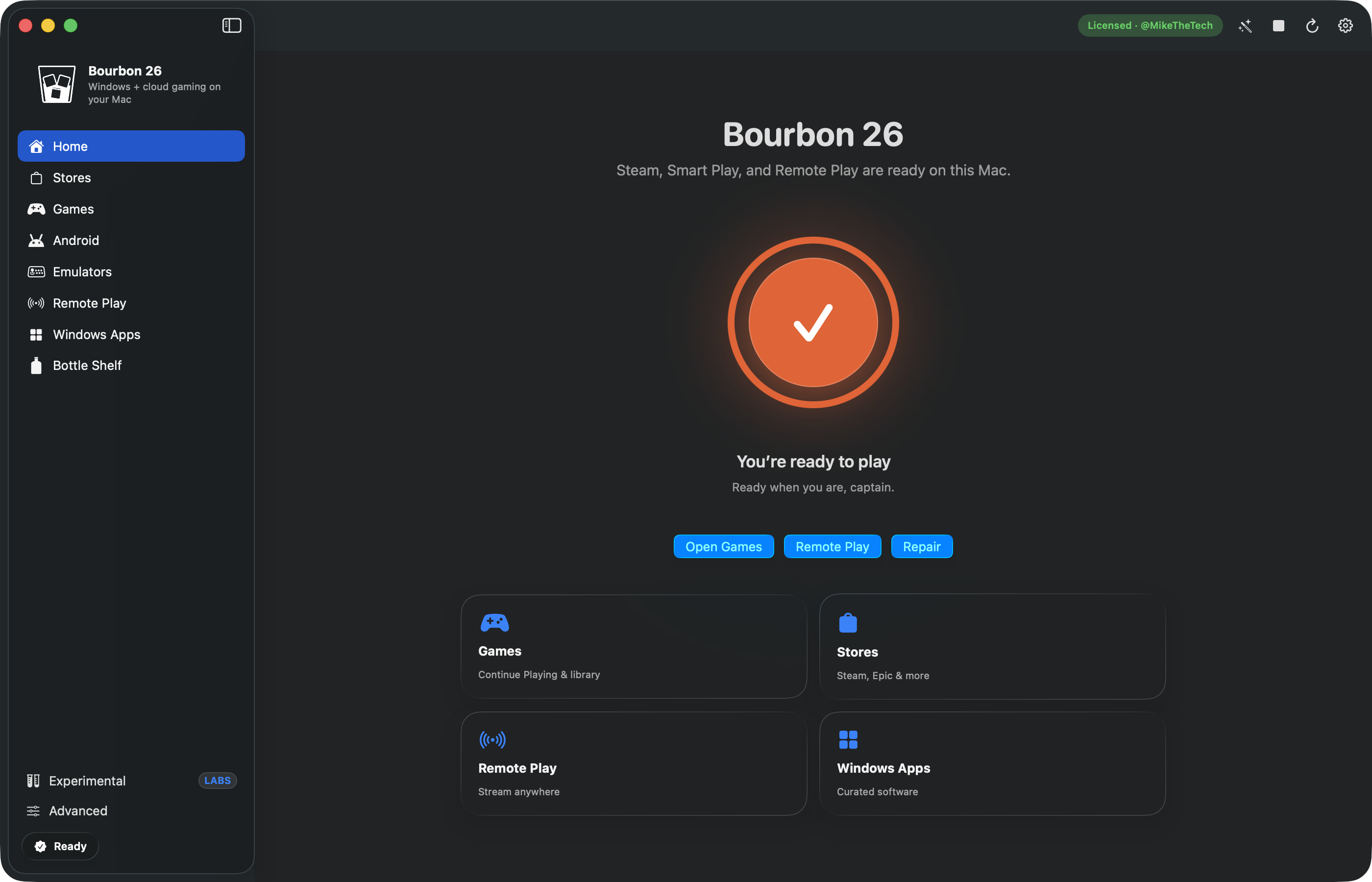
Play Windows games, Steam, and Android apps on your Apple Silicon Mac — one app, no Terminal.
Bourbon 26 is a native macOS app that installs and manages the whole Windows gaming stack for you: Wine, DXVK, MoltenVK, Steam, and Apple’s Game Porting Toolkit. There is no Windows licence to buy and nothing to configure by hand. Pick a game, press Play, and Smart Play chooses the right graphics path and applies the known fixes for that title automatically.
What Bourbon runs on your Mac
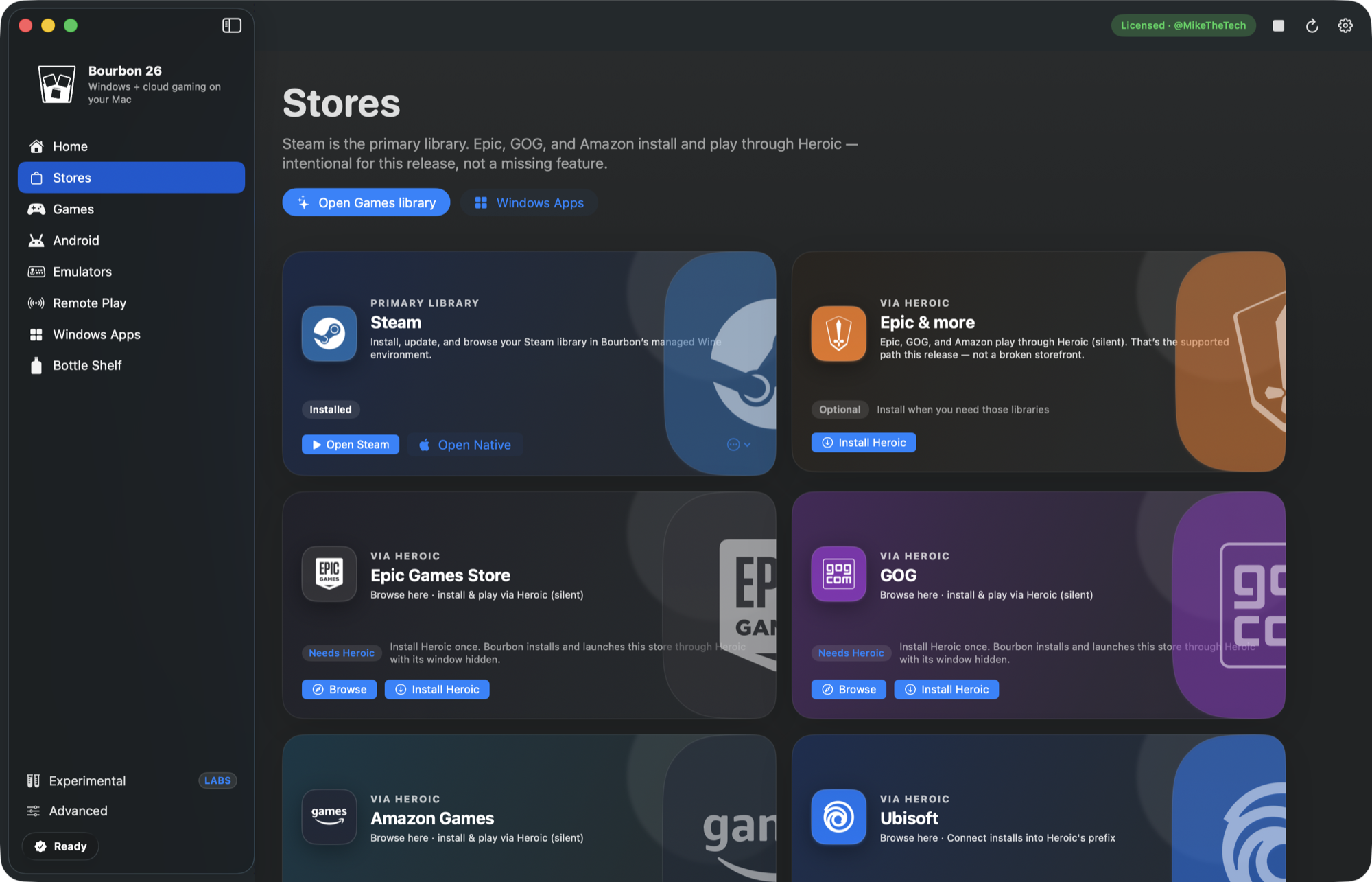
- Windows games — your Steam library, plus Epic, GOG and Amazon through Heroic, and the Battle.net, EA and Ubisoft launchers.
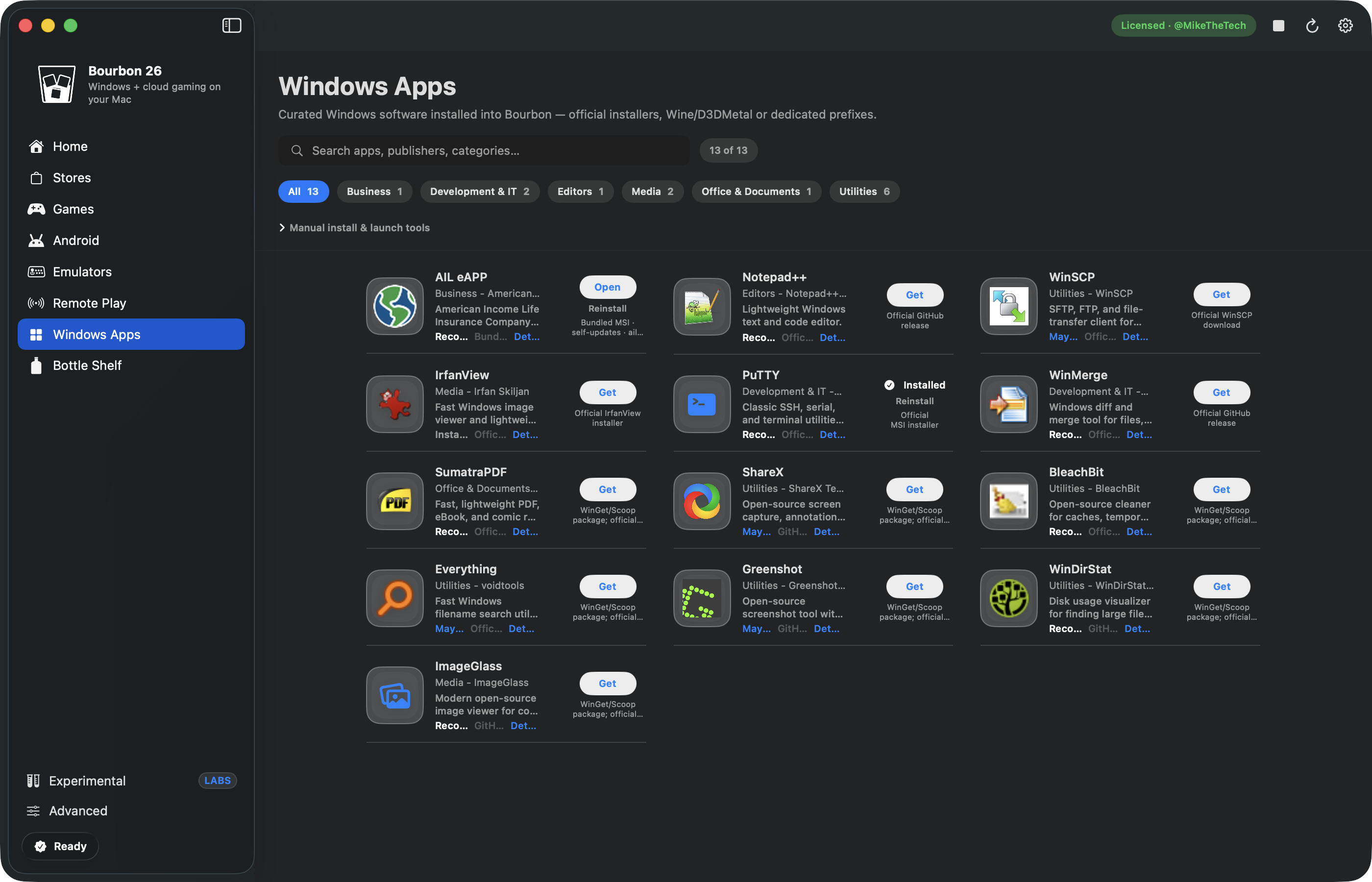
- Windows apps — install any .exe or .msi and run it like a Mac app.
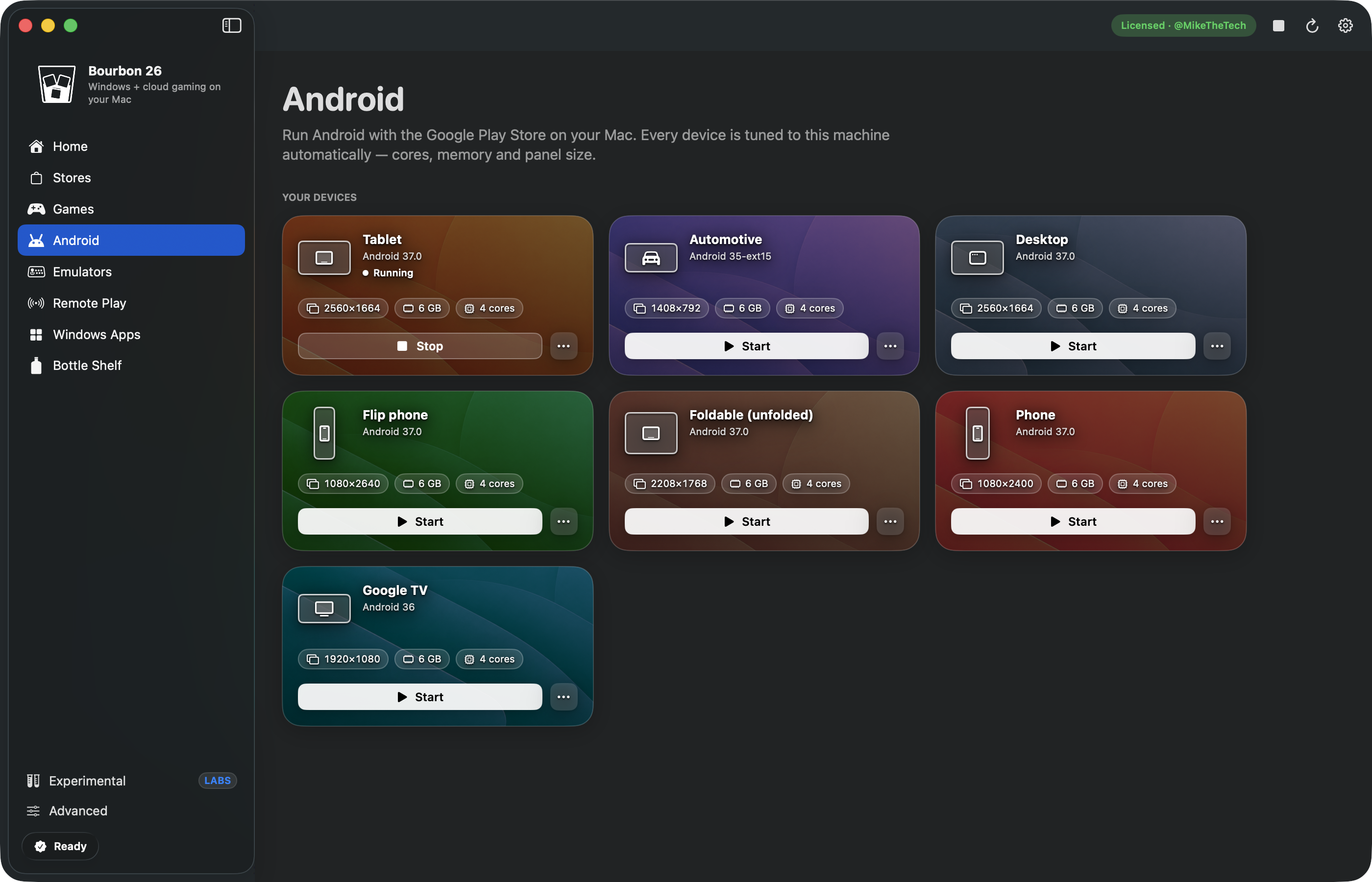
- Android games and apps — the full Google Play Store on seven device types: tablet, phone, foldable, flip, Google TV, Automotive and desktop.
- Retro consoles — one-click emulators with a ROM library, real box art and clear logos.
- Cloud and remote play — Xbox Cloud, GeForce NOW, Amazon Luna, Boosteroid, Moonlight and PlayStation Remote Play.
Android on macOS, with the Play Store
Run Android on Apple Silicon with Google Play built in. Every virtual device is tuned to your Mac automatically — cores, memory and panel size. Tilt games work through your MacBook’s real accelerometer, and the built-in Bourbon Companion app sets wallpaper, theme and layout inside the guest.
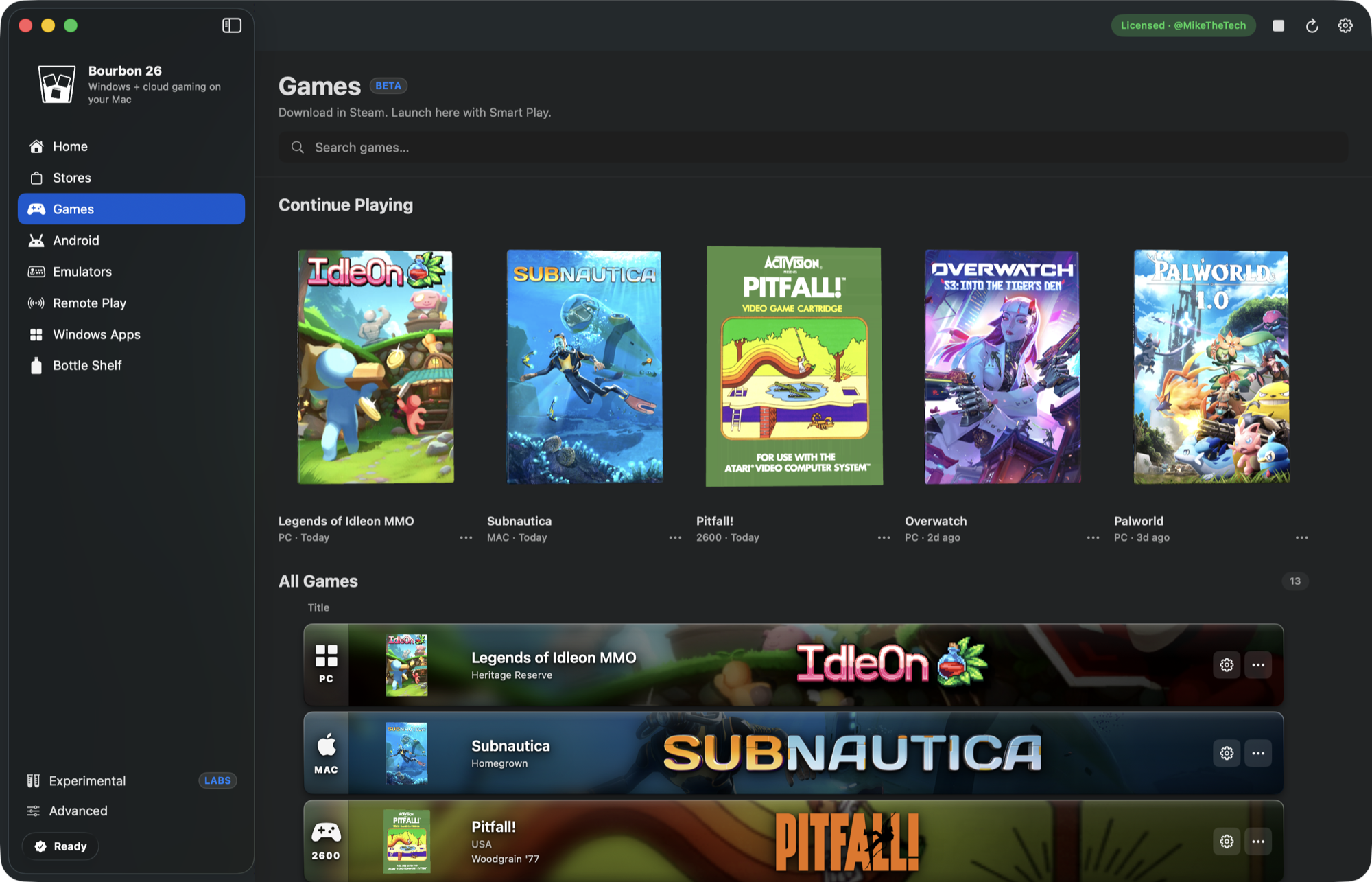
Smart Play: press Play, not Search
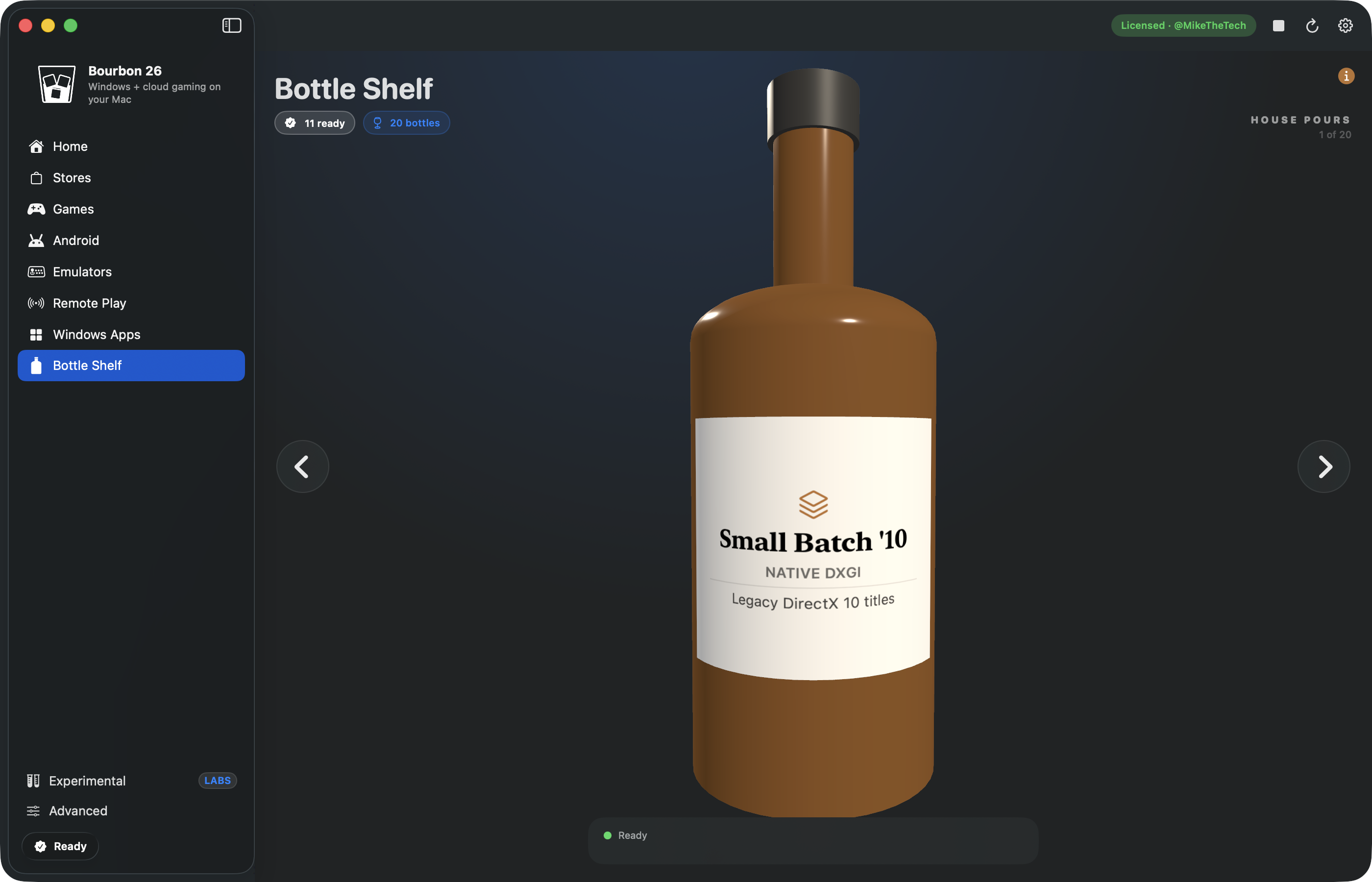
Bourbon keeps a verified profile per title — which bottle, which renderer (DXVK, DXMT, D3DMetal, WineD3D, or a native macOS build), and which fixes to apply. Games that ship a real Mac version run natively instead of through translation. Verified fixes arrive over the wire, so a fix reaches you the day it is confirmed rather than at the next release.
Requirements
- Apple Silicon Mac (M1 or newer)
- macOS 14 Sonoma or later
- Free space for Wine, Steam and the games you install
Try it before you buy
Download the free trial and sign in with itch.io for a 24-hour unlock, so you can test your own games and settings first. One purchase covers 3 Macs, managed in Settings. Every build is Developer ID signed, Apple notarized, and updates itself in-app.
Compatibility
Not every Windows game runs. Titles with kernel-level anti-cheat generally will not. Bourbon shows a verified profile where one exists and community compatibility data where it does not, so you know what to expect before you install.
Open source, giving back
The compatibility work behind Bourbon is public. Bourbon-OSS is MIT-licensed and ships the Smart Play recipes, the community compatibility catalogues, a MoltenVK-friendly DXVK D3D9 patch, the Steam CEF shim that fixes the black Steam UI under Wine on Apple Silicon, and the tools that mine public fix sources. Wine, Whisky, CrossOver, Apple Gaming Wiki and the wider Windows-on-Mac community made Bourbon possible — publishing what we verify is how we pay that back.
Support
Report bugs and compatibility results in the Discord. Game reports are triaged and fixes ship continuously.
Purchase
In order to download this Mac Gaming Tool you must purchase it at or above the minimum price of $29.99 USD. You will get access to the following files:
Download demo
Development log
- What's New in 26.7.31.120 days ago
- What's New in 26.7.10.240 days ago
- What's New in 26.7.6.145 days ago
- What's New in 26.7.546 days ago
- What's New in 26.7.347 days ago